How to add free stock photos to your design
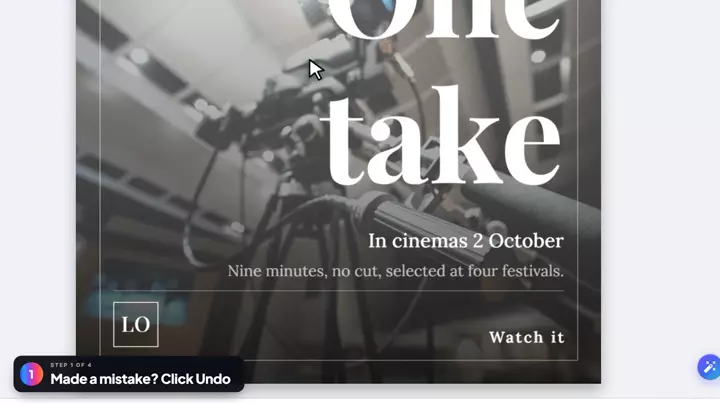
No photo of your own? In the Brand AI editor, open Upload, then Media, search the free Pexels and Pixabay photos, click one to add it, size it and place it, then give it a white border so it looks like a printed still.
 1:05
The design in the video is a sample film poster; the film is made up for the tutorial.
Read the transcript
No photo of your own? Here’s how to add a free stock photo to your design in the Brand AI editor. Open Upload on the left, then Media. You get free photos from Pexels and Pixabay. Search for what you need, and click a photo. It lands right on your design. Pull a corner to size it, and drag it where you want it. In the photo settings, give it a white border. Now it looks like a still from the film.