How to undo changes and restore an earlier version
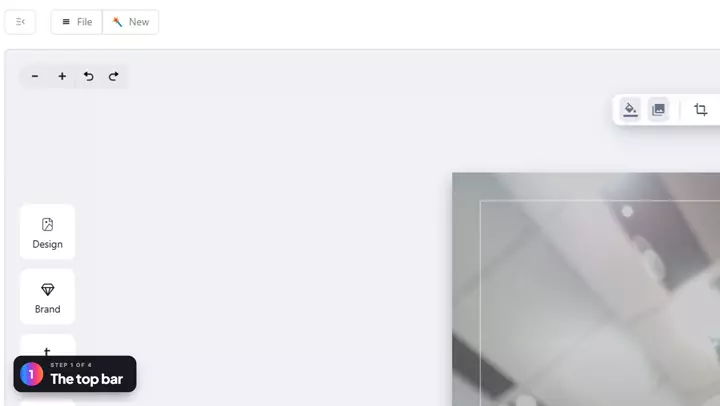
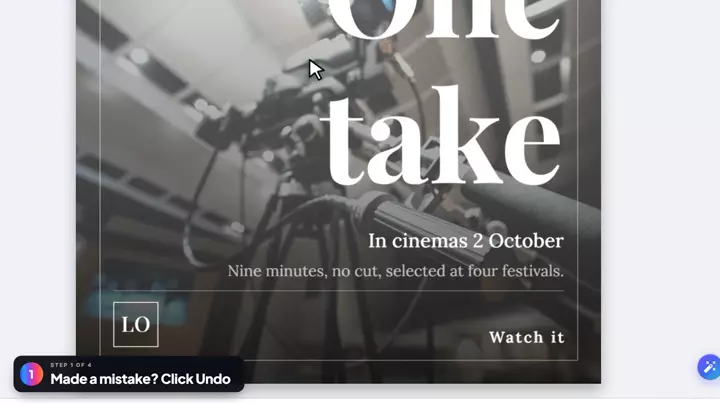
Changed your mind? In the Brand AI editor, click Undo at the top left to bring back something you deleted, and Redo to put a change back. To go further back, open File, then Show History, and click Restore next to an earlier step.
 1:19
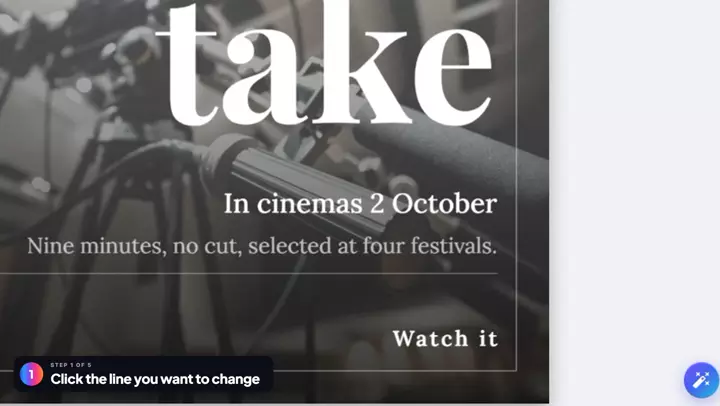
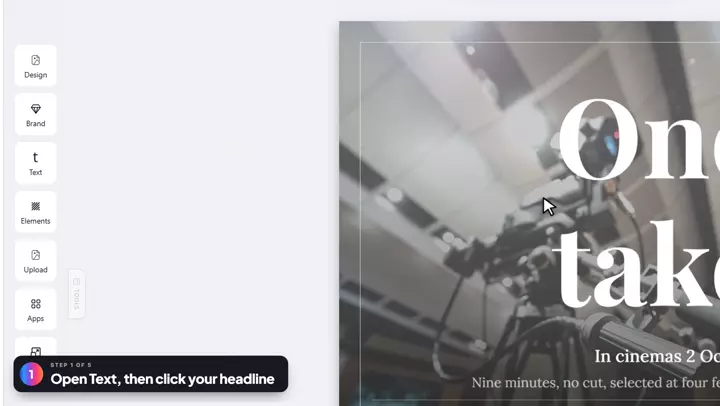
The design in the video is a sample film poster; the film is made up for the tutorial.
Read the transcript
Changed your mind? Here’s how to undo a change, or take your whole design back to an earlier version, in the Brand AI editor. Deleted something by mistake? Click Undo, at the top left, and it is back. Redo, right next to it, puts the change back again. Say you try a new colour, then change your mind later. Open File, then Show History. Every change is listed, with its time. Click Restore next to an earlier step, and your design goes straight back to how it was.