How to style text: fonts, colours and effects
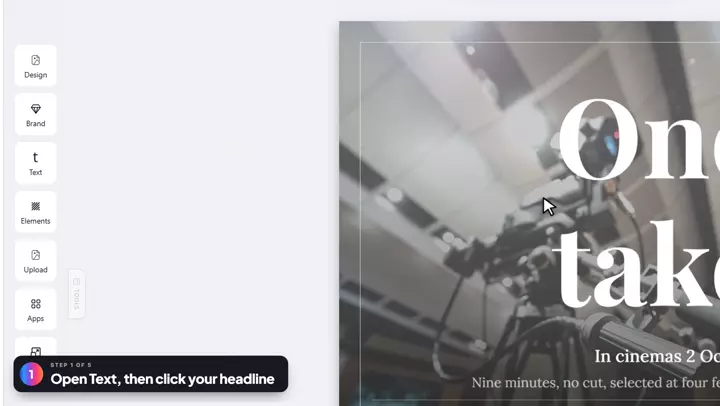
Make a headline stand out in the Brand AI editor: open the Text panel, pick a font, set the size and letter spacing, choose a colour, and add a soft shadow.
 1:16
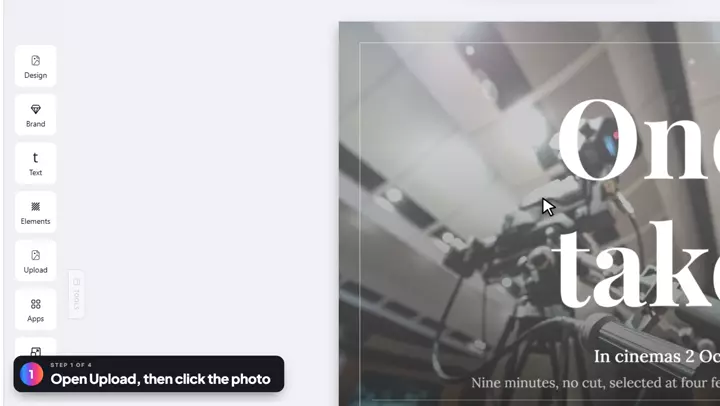
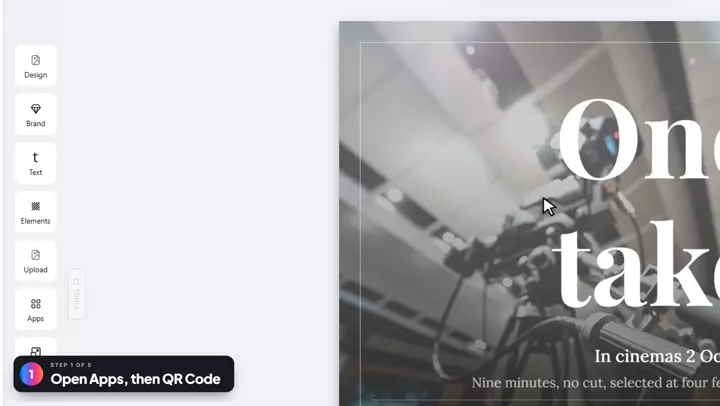
The design in the video is a sample film poster; the film is made up for the tutorial.
Read the transcript
The right font and colour can carry a whole design. Here’s how to style text in the Brand AI editor. Open Text on the left, then click your headline. The panel stays open, and shows that text’s settings. Search the fonts, and click one. Your headline changes straight away. Set the size in the toolbar above the page, and open up the letter spacing in the panel. Click the colour, then pick a swatch, or mix any shade you like. Switch on a shadow, and soften it. It lifts the words off a busy photo.