How to apply your brand kit, add pages and download your design
Click a brand colour onto your text from your brand kit, add a page, and download your design as a PNG (PDF and PowerPoint are there too), or copy a link to share, in the Brand AI editor.
 1:21
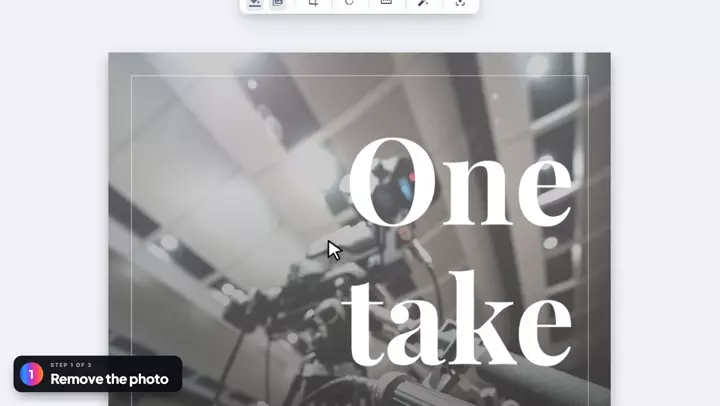
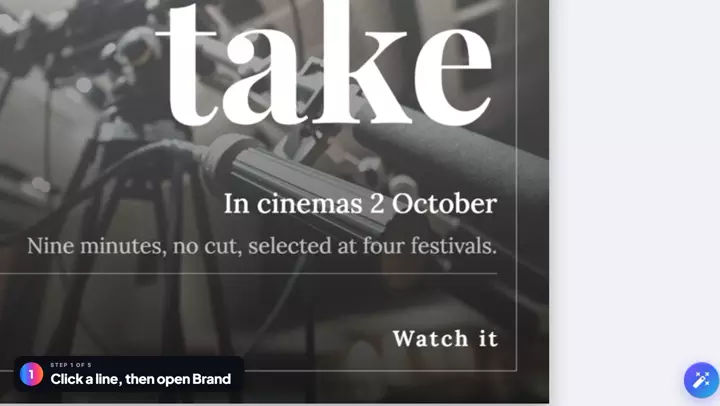
The design in the video is a sample film poster; the film is made up for the tutorial.
Read the transcript
Your brand kit keeps every design on brand. Here’s how to use it in the editor, add a page, and download your design. Click the text you want to change, then open Brand, and pick your kit. Your colours and font styles are all here. Click a brand colour, and it lands on your text. No colour codes to remember. Share opens your download options. P N G for posts, P D F for print, even PowerPoint. Or copy the design link, and send it to your team. Need a follow-up post, or another size? Add a page. Every page lives in the same design.