How to start a design from a template
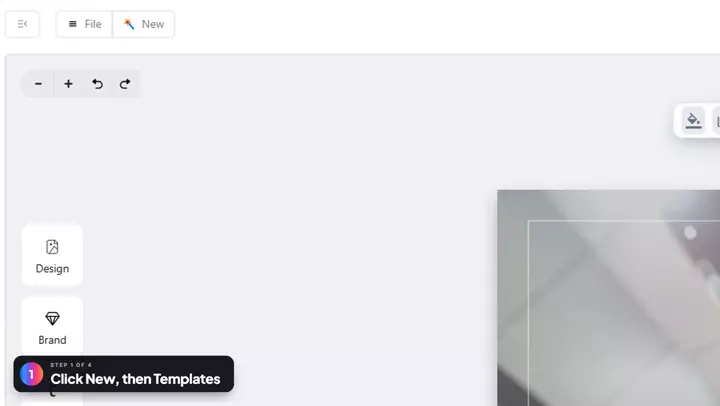
Find a ready-made design in the Brand AI editor: click New, search the templates (we searched “film poster”), open one to see its details, and click Use template. It opens as your own copy, ready to edit.
 0:53
The design in the video is a sample film poster; the film is made up for the tutorial.
Read the transcript
Every great design can start from a template. Here’s how to find one in the Brand AI editor, and make it yours. Click New at the top, and choose Templates. Thousands of ready-made designs, all editable. Search for what you need. We’ll look for a film poster. Click a design to see it larger, with its tags and what’s included. Click Use template. It opens as your own copy, ready to edit, and the original stays untouched.