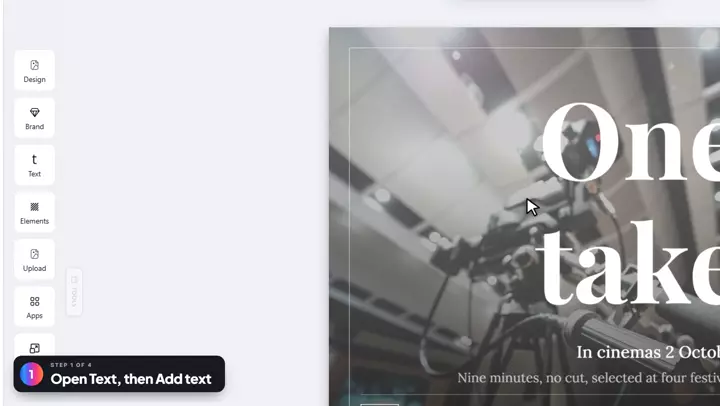
How to upload your own image or logo
Put your logo or your own photos on any design in the Brand AI editor: open Upload, click Upload and pick a PNG, JPG or WebP from your computer, then pull a corner to size it and drag it into place. (The Lantern Pictures logo is made up for the tutorial.)
 0:46
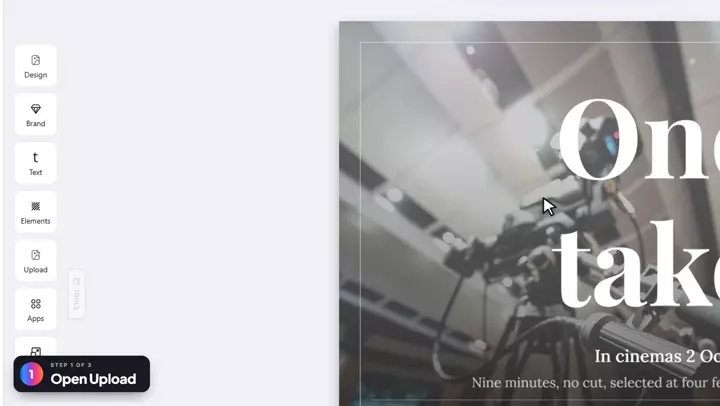
The design in the video is a sample film poster; the film is made up for the tutorial.
Read the transcript
Your logo belongs on every design. Here’s how to upload your own image in the Brand AI editor. Open Upload on the left. Click Upload, and pick the file from your computer. It lands right on your design. Pull a corner to size it, and drag it into place. Here, it sits in the top corner, inside the frame.