How to centre text or images on your page
Line things up perfectly in the Brand AI editor: click what you want to centre, open Transform in the toolbar and click centre to move it to the exact middle of the page, then nudge it with the arrow keys (hold Shift to move further).
 0:47
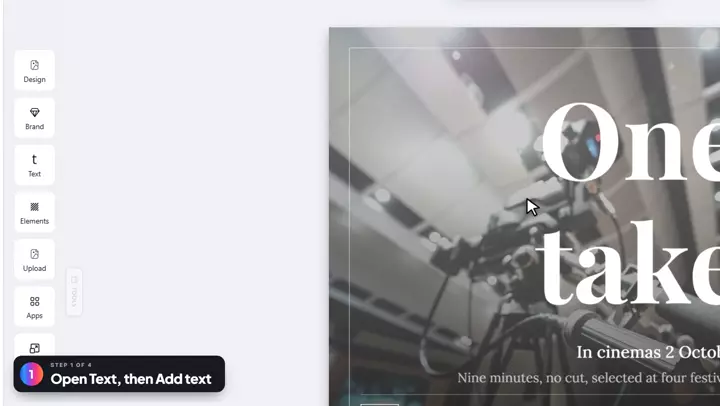
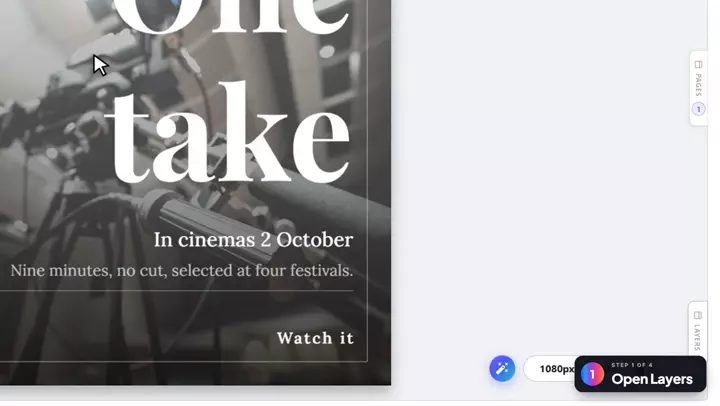
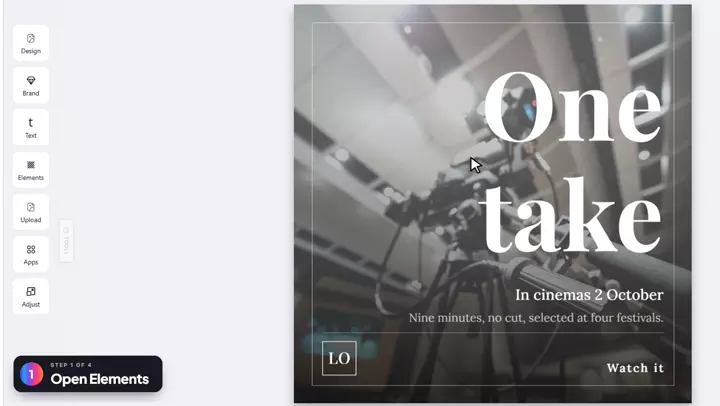
The design in the video is a sample film poster; the film is made up for the tutorial.
Read the transcript
A design looks right when things line up. Here’s how to centre anything on your page in the Brand AI editor. Click what you want to centre. Here, the Watch it button text. Open Transform in the toolbar, and click centre. It moves to the exact middle of your page. For small moves, use the arrow keys. Hold Shift to move it further.