
How to add graphics like arrows and stickers
Point people to what matters: open Elements in the Brand AI editor, pick a collection (arrows, brush strokes, shapes, speech bubbles, social media icons and more), click a graphic to add it, then size it and drag it into place.
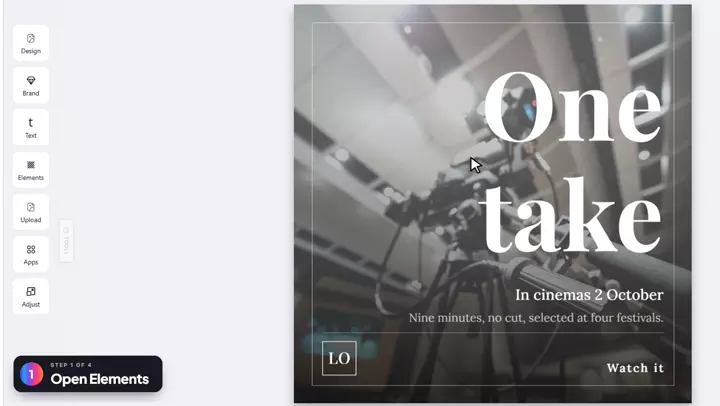 0:54
The design in the video is a sample film poster; the film is made up for the tutorial.
Read the transcript
A simple graphic can point people to what matters. Here’s how to add one in the Brand AI editor. Open Elements on the left. Below shapes, frames and icons, there are whole collections of graphics. Scroll down, and pick one. Here, Arrows. Click a graphic, and it lands on your design. Pull a corner to size it, and drag it into place. Now it points the way to Watch it.