How to add a text box to a design
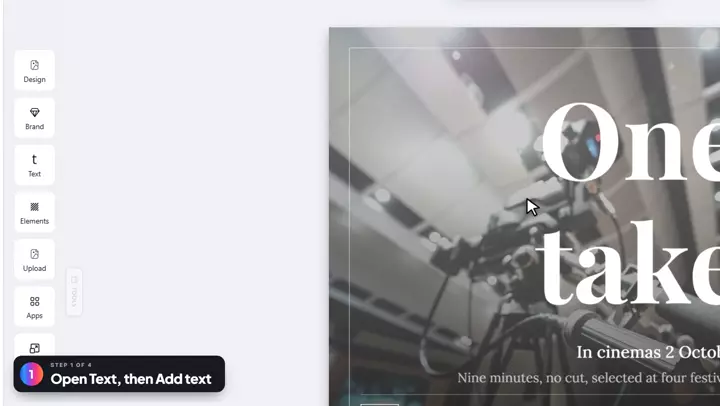
Add your own words anywhere on a design in the Brand AI editor: open Text, click Add text, type in the panel, set the size in the toolbar, pick a colour that stands out, and drag it into place.
 1:00
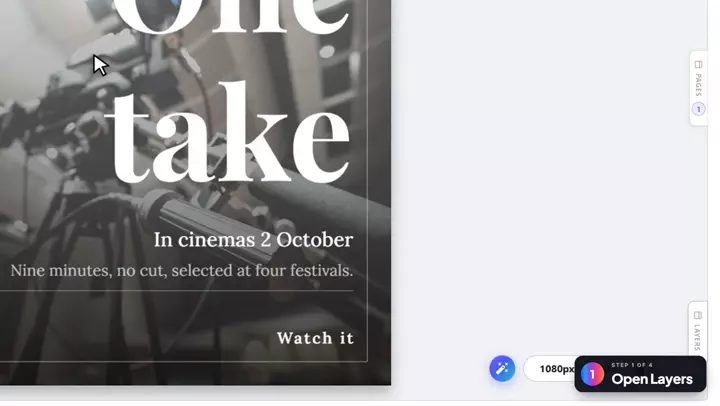
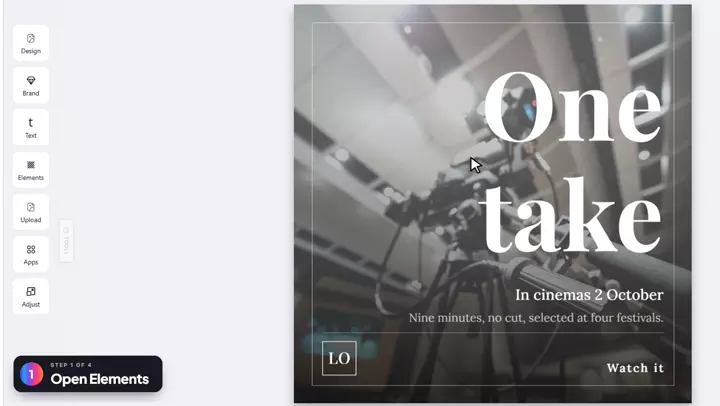
The design in the video is a sample film poster; the film is made up for the tutorial.
Read the transcript
Need to say a little more? Here’s how to add your own text to any design in the Brand AI editor. Open Text on the left, and click Add text. A new text box appears on your design. Type your words in the box in the panel. The design updates as you type. Set the size in the toolbar, and pick a colour that stands out on your photo. Then drag it into place. Here, it sits at the top of the poster.