
How to change the background colour
Change a design’s background in the Brand AI editor: remove the photo, open Adjust, then Background colour, and pick a new one.
 0:48
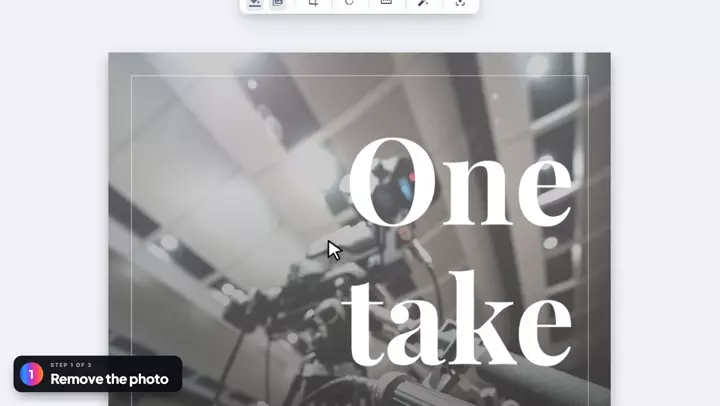
The design in the video is a sample film poster; the film is made up for the tutorial.
Read the transcript
A background colour can change the whole feel of a design. Here’s how to set one in the Brand AI editor. This poster has a photo behind everything. Click it, and press Delete. Open Adjust on the left, then Background colour. Click the colour, and pick one. Deep red gives this film poster a bold, dramatic feel.