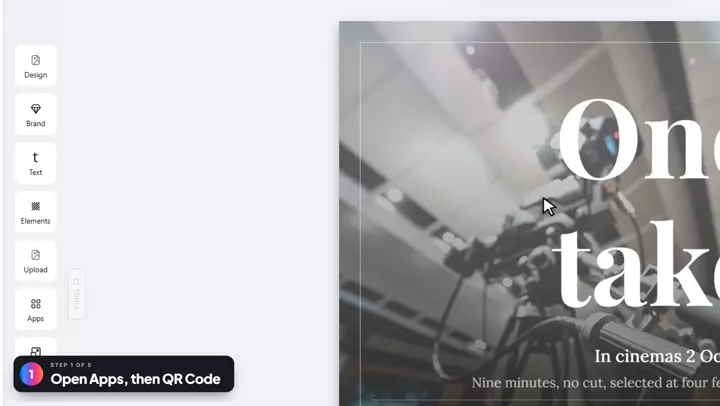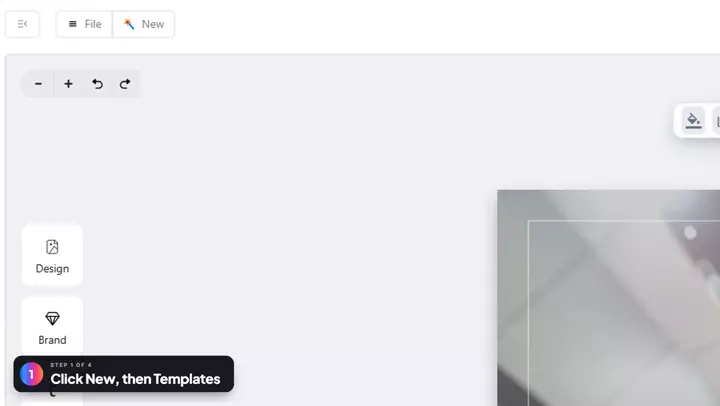
How to change the look of a photo in a template
Give a template a new mood in the Brand AI editor: open the photo’s settings, try a filter, flip the photo, and turn down its opacity so your words stand out.
 1:02
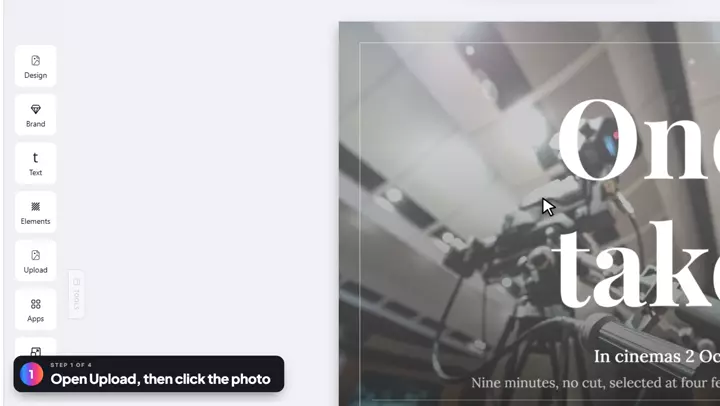
The design in the video is a sample film poster; the film is made up for the tutorial.
Read the transcript
A filter, a flip and a fade can give a template a whole new mood. Here’s how to work with photos in the Brand AI editor. Open Upload on the left, then click your photo. The panel shows its settings, and a photo toolbar opens above. Open Filter in the photo toolbar, and pick one. Vintage gives this poster a warm, film-grain feel. Open Transform in the photo toolbar, and flip it, so the camera faces your words. Then turn down the opacity. The dark background comes through, and your words stand out.